cue
Add context to any of your applications.
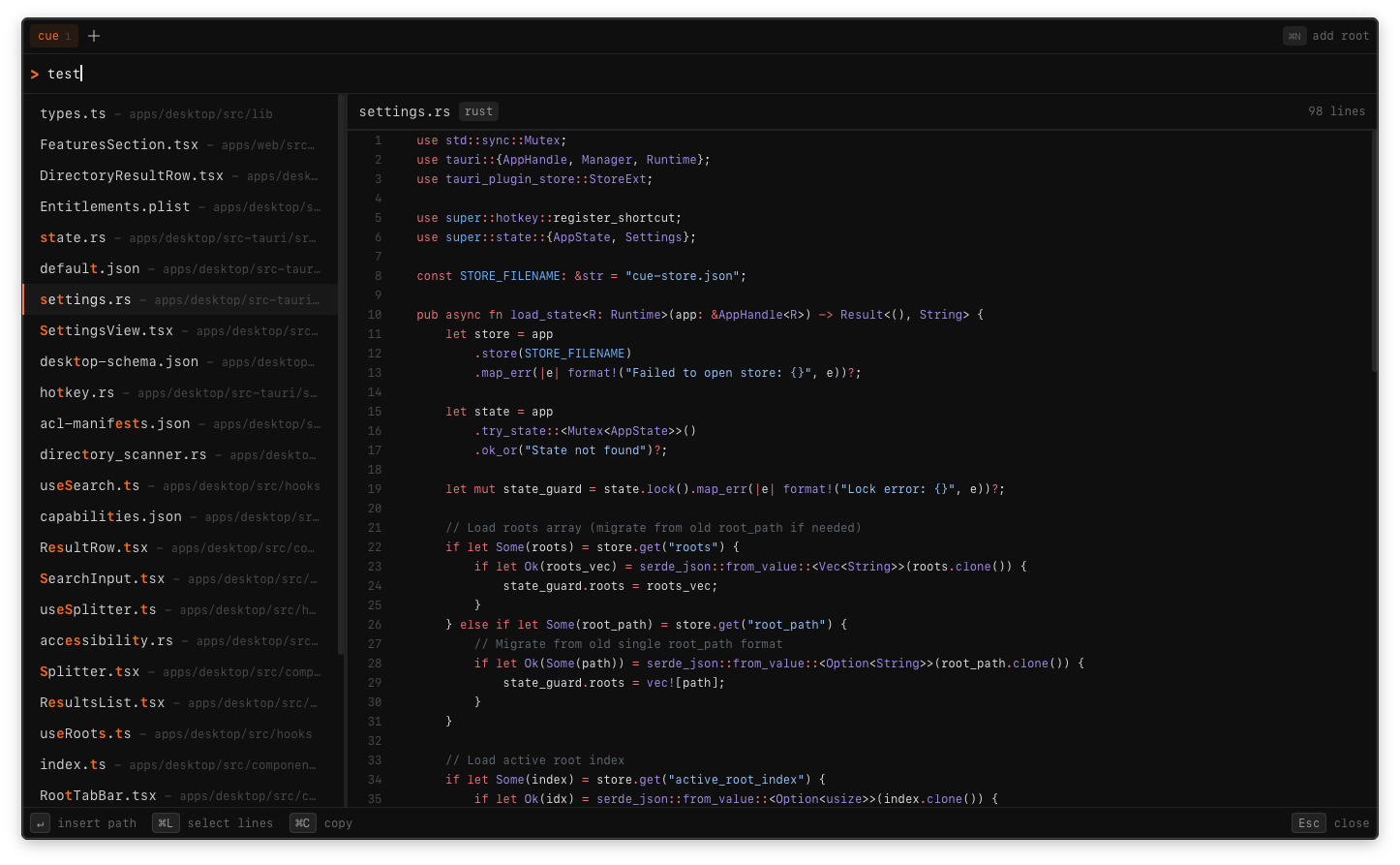
Prompts have moved outside the IDE. File context got left behind. Cue brings it back. Fuzzy-find files, select lines, from your files or github repos, all from your menubar.
# Features
Everything you need to give your AI the context it deserves.
Fuzzy Search
Find any file instantly with intelligent fuzzy matching. No more hunting through directories.
Line Selection
Select specific line ranges to include. Reference exact code snippets, not entire files.
Global Hotkey
Summon cue from anywhere with a configurable hotkey. Works in any app, any context.
GitHub Integration
Browse GitHub repos directly without cloning. Local folders and remote repos, side by side.
Path Insertion
Paths are automatically pasted into your active app. Claude, ChatGPT, Cursor—anywhere.
Preview Pane
Syntax-highlighted file preview before you commit. See what you're referencing.
# Motivation
Why we built cue.
AI needs context to be useful
Whether you're using Claude, ChatGPT, or Cursor—your AI assistant is only as good as the context you give it. Typing out file paths manually is tedious and error-prone.
Reference code without leaving your flow
You're in the middle of a conversation with Claude. You need to reference a specific file. With cue, it's one hotkey away—no window switching, no hunting through Finder.
Precise context, better answers
Line selection lets you reference exactly the code that matters. Instead of dumping entire files, point your AI to the exact function, class, or snippet you're asking about.
Works everywhere
Browser tabs, native apps, terminal—cue works anywhere you can paste text. It's not tied to any specific AI tool or editor.
# Download
Free and open source. macOS 12+ required.
Universal Binary (Apple Silicon + Intel)